
Your phone
runs the show.
Stop alt-tabbing. Labeled audio faders, OBS scenes, and macro buttons live on your phone — not buried behind your game.
ON AIRdrag the deck →
Six windows, one slider. We fixed that.
Every control you need mid-stream is buried behind the game — and every alt-tab costs focus, ruins a clip, or wakes your audience to a frozen screen.
 →
→
Audio chaos: six windows, one volume slider — wrong app muted every time.
Focus tax: alt-tab to switch an OBS scene, die in-game, look unprofessional.
Screen clutter: chat, alerts, meters, and OBS all fighting for monitor space.
Hardware trap: $150 pad with 12 anonymous keys and no faders, no chat, no OBS.
One app. Every control.
Switch layouts mid-stream. No hotkeys.
Design up to 20 full-screen Custom Modes — mix faders, OBS scenes, and macro buttons on one grid. Swipe between Live, BRB, Recording, and more without touching your keyboard.
swipe Live → BRB → Rec · zero hotkeys
Your phone. Your control room.
Whether you're live, in the booth, on a call, or at the podium.
Live Streamer
Balance audio, flip OBS scenes, and fire chat alerts — all from your phone without alt-tabbing out of the match.
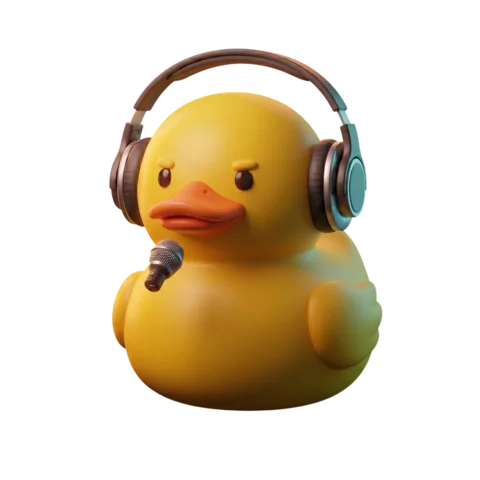
Podcaster
Ride per-app audio levels and mute a guest in one tap. Your hands stay on the mic.
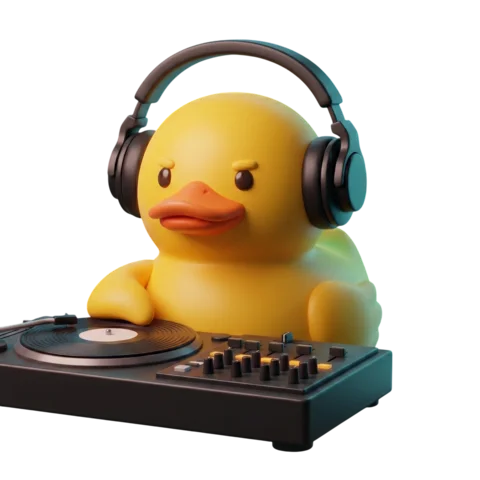
DJ & Producer
Balance monitor levels and fire DAW macros while your hands stay on the instrument.

Educator
Switch OBS scenes mid-presentation, fire clip macros, and keep your eyes on the audience.

Gamer
Mute Discord, duck music, and check LIVE stats — game stays fullscreen the whole time.
Live tools for serious streamers
 NEW
NEWDiscord Voice
See who's talking, mute, deafen, or leave your voice channel — without alt-tabbing out.
 NEW
NEWLive Chat Feed
Twitch and Kick chat on your phone via Streamer.bot — game stays fullscreen.
 NEW
NEWAudio Meters
Per-channel level bars update live so you catch clipping before your viewers do.
 NEW
NEWOBS Scene Control
Named scene tiles, stream health stats, and source toggles on your phone.
 NEW
NEWCustom Modes
BRB in five seconds — swipe from Live to BRB, full layout swap, zero hotkeys.
Every control surface. One app.
You'll be live in under a minute.
 1
1Install the desktop host
Download the lightweight SIDeck host for Windows or macOS. It hooks into system audio and runs macros with near-zero CPU footprint. No port-forwarding.
 2
2Scan the QR code
Install SIDeck from the App Store. On the same Wi-Fi, scan the QR on your PC monitor. Connection uses dynamic tokens — local, encrypted, instant.
 3
3Tap and go
Sub-100ms control from the first tap. Pro adds up to 3 devices per desktop, cloud macro sync, and optional remote control away from Wi-Fi.
Free to start. Pro when you're serious.
Free
Try it on one device with no commitment.
- ✓1 phone or tablet per desktop
- ✓2 audio channels (WASAPI)
- ✓Up to 6 custom macros
- ✓1 Custom Mode (Live Starter template)
- ✓QR & manual LAN pairing
 Pro
Pro
Most PopularEverything. For streamers who mean it.
- ✓Up to 3 devices on one desktop
- ✓All audio channels (WASAPI)
- ✓Unlimited macros + cloud sync
- ✓Up to 20 Custom Modes
- ✓Discord voice overlay
Questions, answered.
What platforms does SIDeck Studio support?+
SIDeck Studio runs on Windows 10+ and macOS 12+. The iOS companion app requires iOS 17 or later. Both desktop hosts are supported.
How do I connect my phone to my PC?+
Install the desktop host, open it, then scan the QR code shown on screen using the SIDeck iOS app. Both devices must be on the same Wi-Fi network. The whole process takes under a minute.
Do I need to open router ports or configure a firewall?+
No. SIDeck uses local network discovery — no port-forwarding required. If your router has AP isolation (client isolation) enabled, you may need to disable it for LAN pairing to work.
Is there a free version?+
Yes. The free tier includes 1 device per desktop, 2 audio channels, up to 6 macros, and 1 Custom Mode with the Live Starter template. No credit card required.
Ready to take control in under a minute.
Install the host, grab iOS, scan QR, and go live.
Free · No account required to start · Windows 10+ or macOS 12+ · iOS 17+